AMD BC-250 — building a DIY Steam Machine

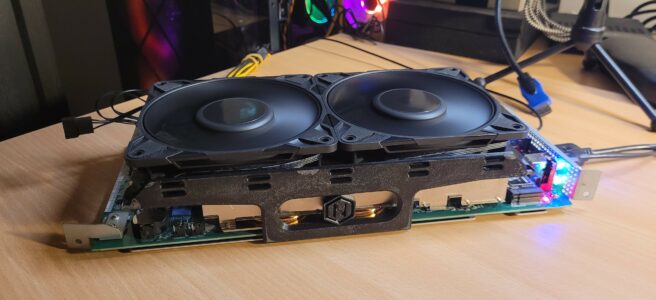
AMD BC-250 fitted with two fans and 3D-printed supports

Something a little different from RC this time 🙂 An AMD BC-250 mining board is getting a second life. The plan is to turn it into a Linux computer, and eventually my own Steam Machine. First up: sorting out the cooling.
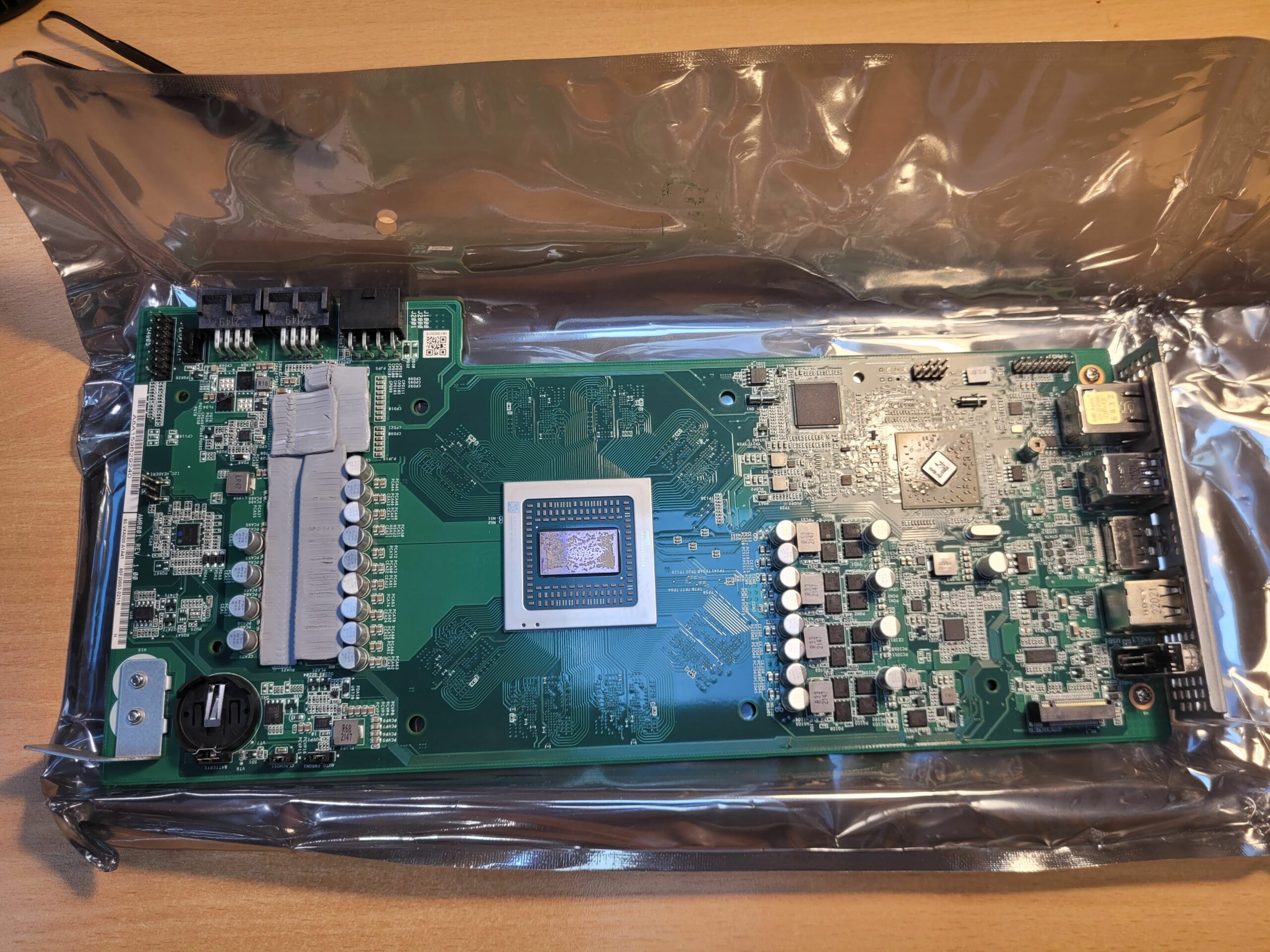
AMD BC-250 board with the heatsink removed
The BC-250 before the cooling modifications.

The original heatsink needs a few changes for fans blowing down onto it. I removed the metal strips covering the tops of the fins to open up the airflow. The tool of choice? Ordinary scissors 🙂
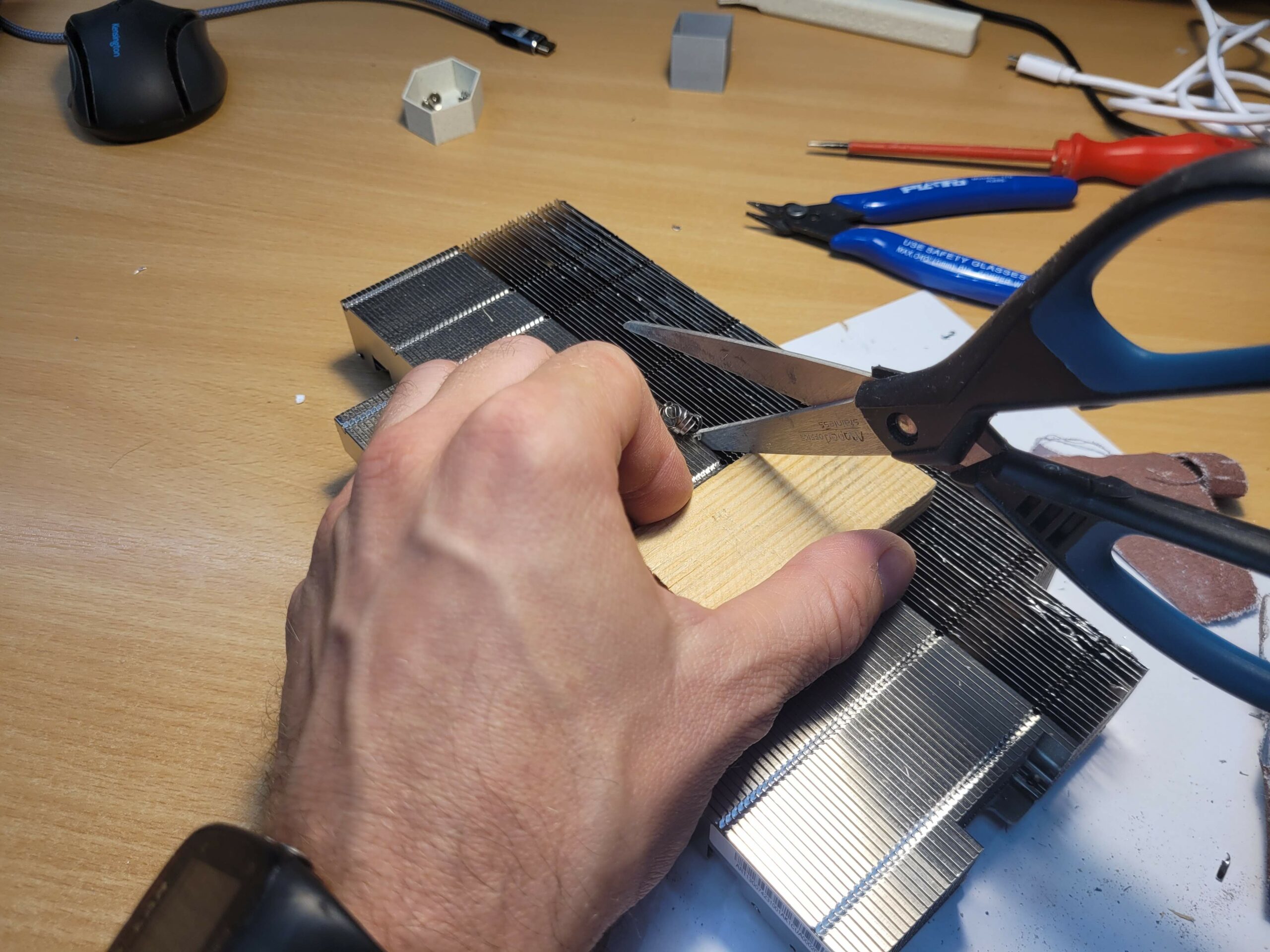
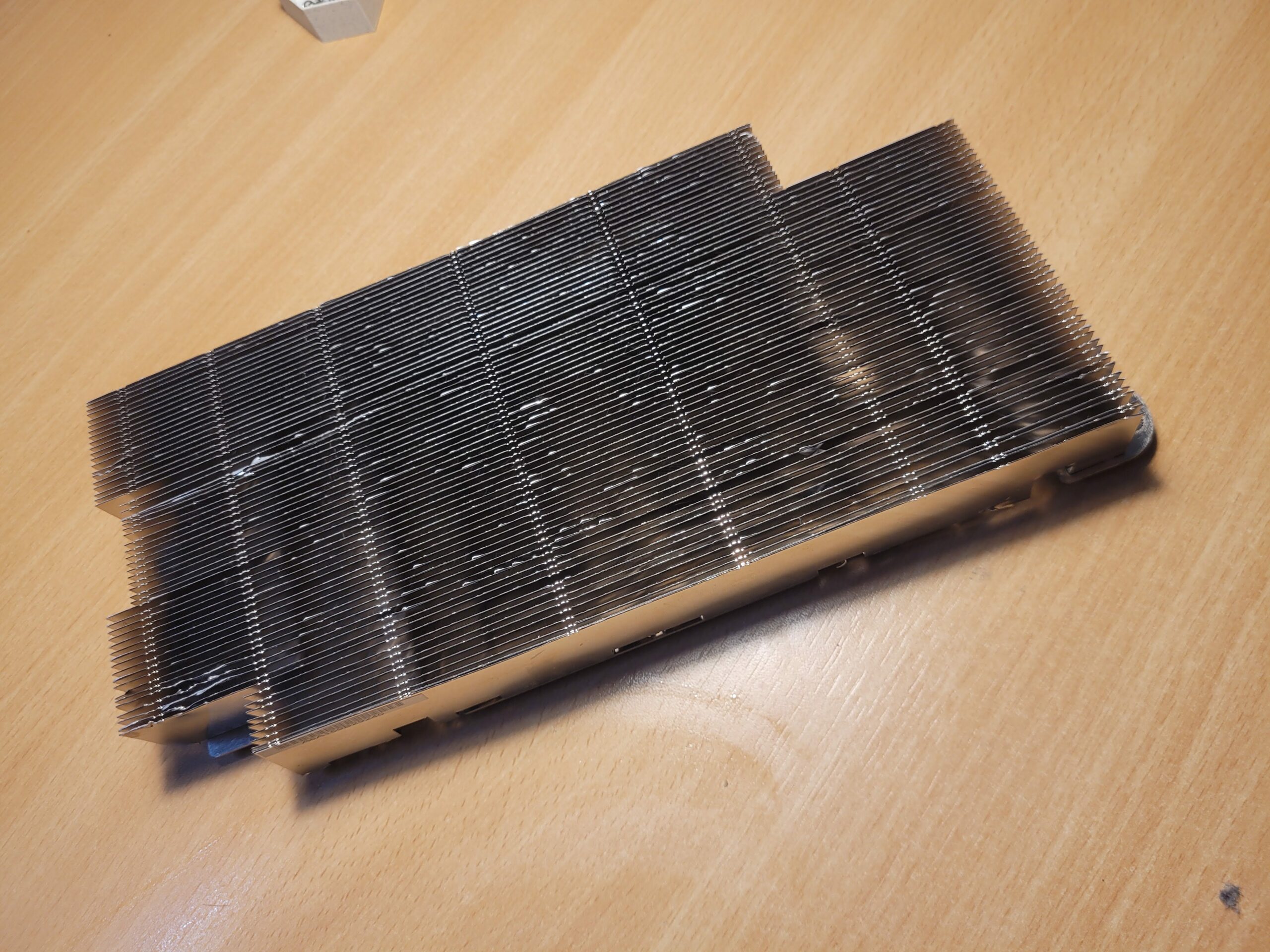
Cutting the metal strips on the detached BC-250 heatsink with scissors
Opening up the heatsink with ordinary scissors.
Modified BC-250 heatsink with the tops of the fins exposed
The modified heatsink, ready for airflow from above.

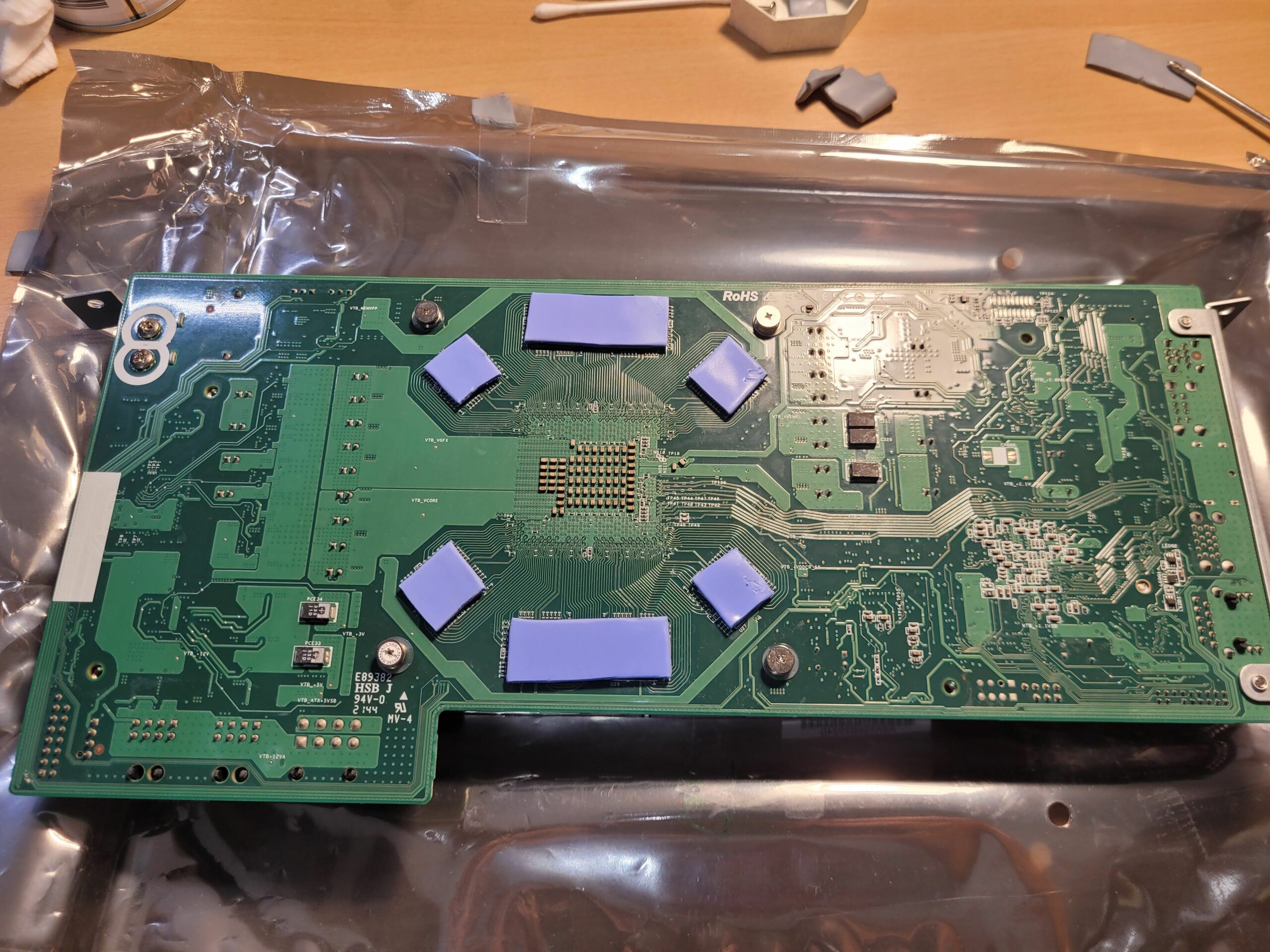
With everything apart, I replaced the thermal pads on both sides of the board.
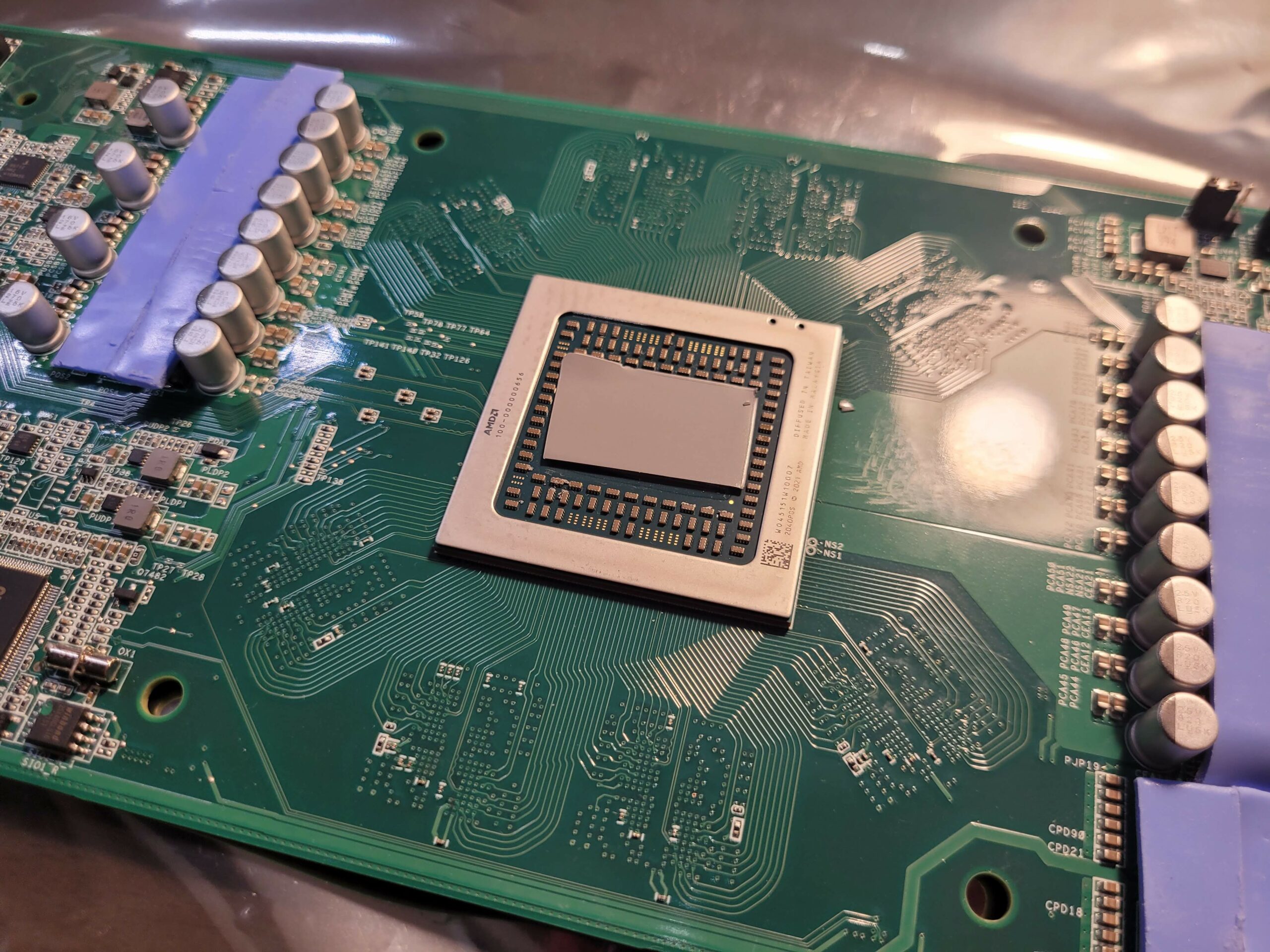
Front of the BC-250 board with replacement thermal pads
Fresh thermal pads on the front of the board.
Back of the BC-250 board with new thermal pads on the memory chips
New thermal pads on the back of the board.

Finally, I fitted two fans above the modified heatsink, held in place by 3D-printed supports. It is starting to look like a little computer!
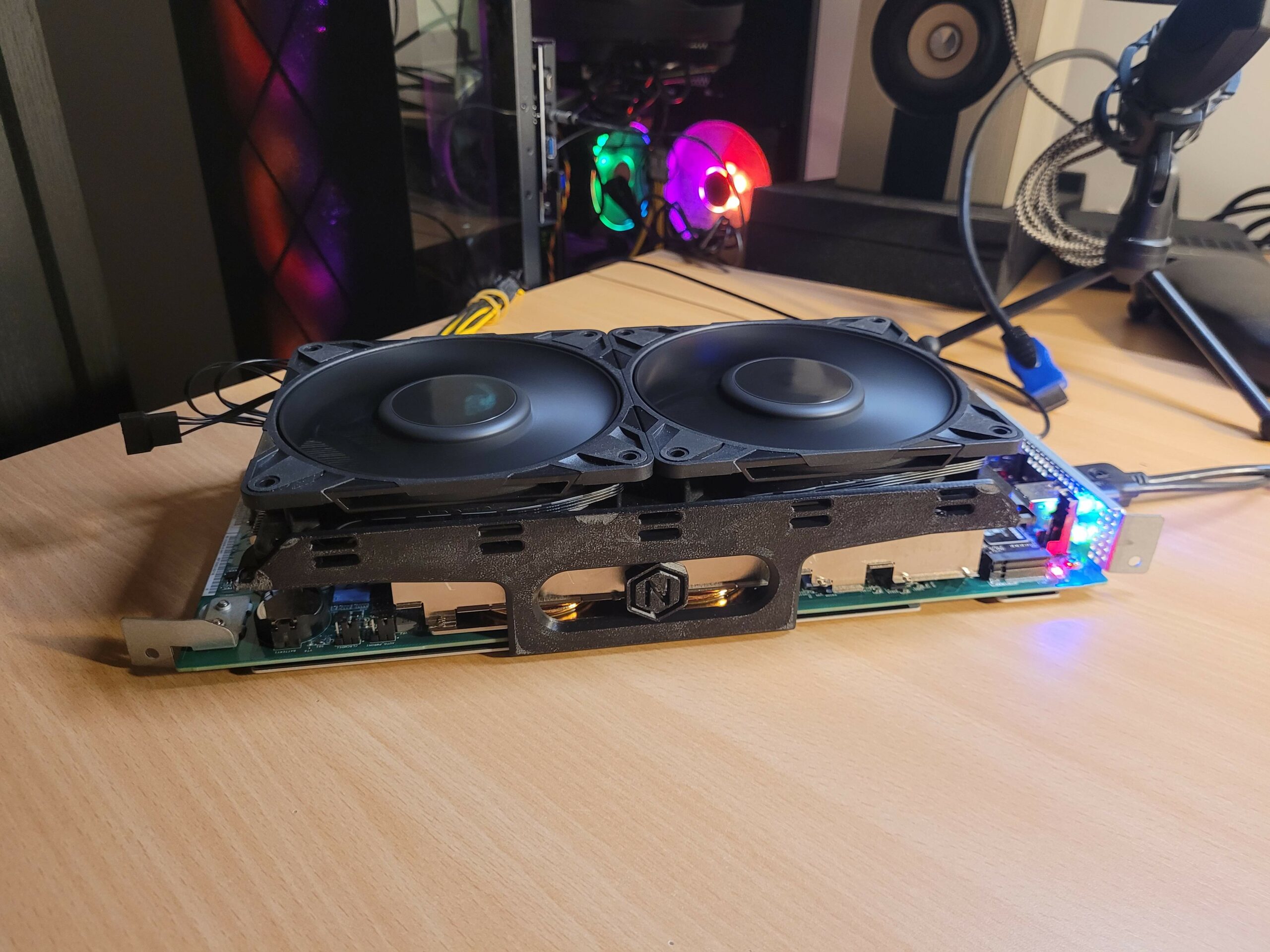
AMD BC-250 fitted with two fans and 3D-printed supports
Two fans mounted on 3D-printed supports.

And it boots! 🙂 The board is now running CachyOS, so the Linux computer part of the project is already taking shape.
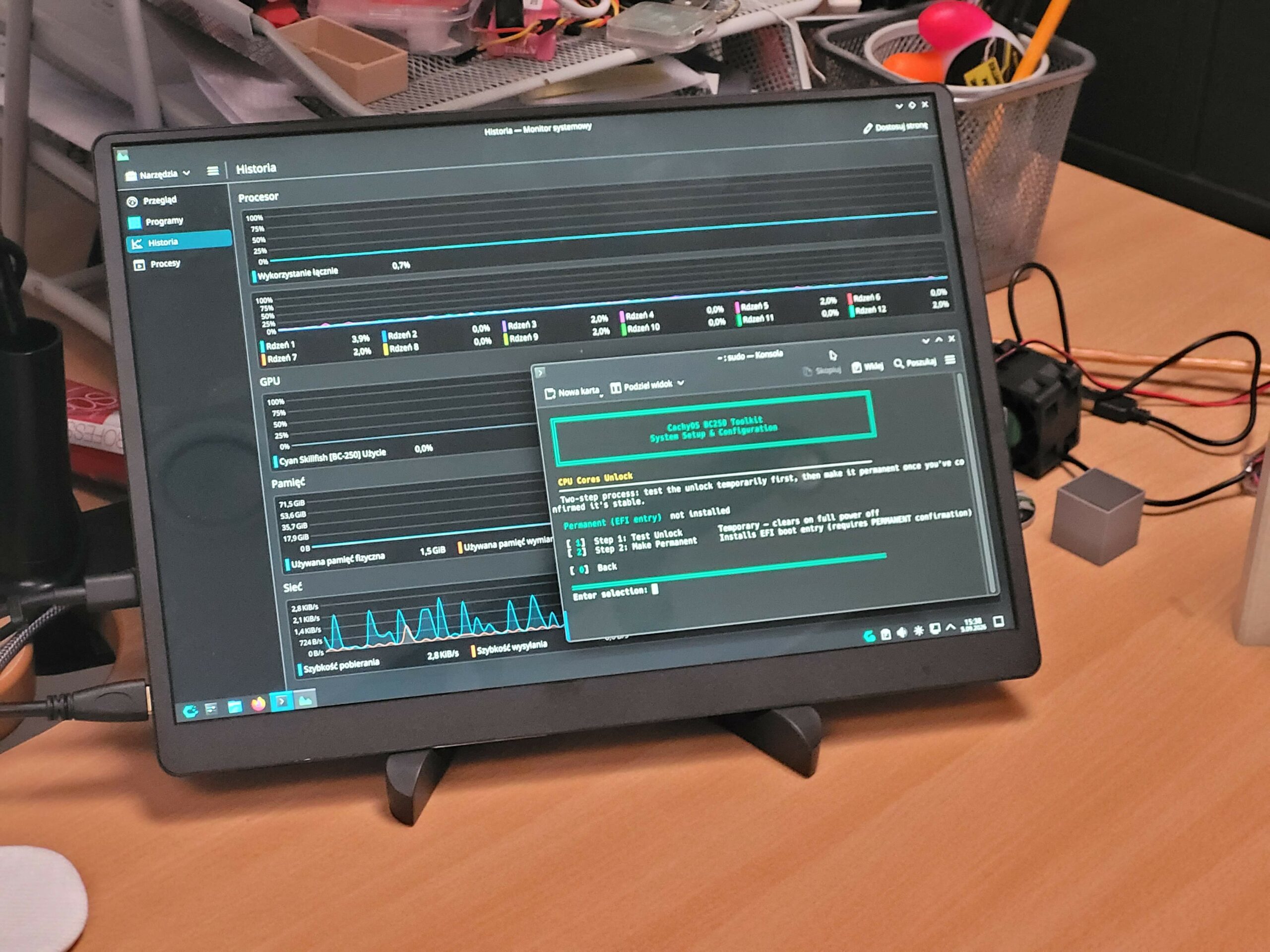
Monitor showing CachyOS running on the AMD BC-250
CachyOS up and running on the BC-250.

Next up: setting up Steam and trying some games. This project will be continued — more updates to come! 🙂

For more information about running Linux on this unusual board, check out the community BC-250 documentation.

Leave a Reply

Your email address will not be published. Required fields are marked *

This site uses Akismet to reduce spam. Learn how your comment data is processed.